

Do You Need To Use Accounting Software?

Do You Need to Use Cloud Accounting Software for Your Side Hustle?
In the age of side hustles, where passions become profitable, there's an often-overlooked aspect: navigating the complex maze of taxes and HMRC requirements. Does the thought of wading through receipts, spreadsheets and tax forms dampen your entrepreneurial spirit? You're certainly not alone. As a Chartered Accountant, I'm frequently asked by clients, 'Do I need accounting software for my side hustle?' This is a question many side hustlers ponder. As you embark on this journey, understanding your tax and reporting obligations is not just important – it's vital.
This article delves into more than just whether you should use accounting software for your side hustle; it explores why you should, highlighting all the benefits. We'll unravel the reasons and methods for using cloud accounting software, ensuring that your side hustle thrives financially, just as it does creatively.
How Tax Works for the Self-Employed in the UK
As an independent contractor or self-employed worker in the UK, you’ll be classified as a sole trader. You won’t actually have to pay taxes immediately after you start earning from a side hustle. Instead, you will need to register for self-assessment with HM Revenue & Customs (HMRC) as soon as you earn £1,000 or more within a tax year. Still, you should start keeping records of your earnings and expenses from the onset to ensure that your data is accurate. When the 31st of January comes (the tax return deadline in the UK), you won’t have a hard time calculating your payments.
What Is Making Tax Digital?
Making Tax Digital (MTD) is an initiative by the UK government that aims to transition physical tax records to digital ones. This move is part of the plan to make the entire tax system digital, which is designed to help make many processes more streamlined for the convenience of all.
The program is still yet to take effect, with the mandatory adoption of software under MTD set to be phased in from April 2026, impacting those with annual earnings over £50,000. While this threshold may exceed what many side hustlers earn, becoming MTD-ready is advisable for those aspiring to grow their business into a primary income source. Compliance with MTD involves maintaining digital tax records and utilising accounting software.
What Is Accounting Software?
In the past, accounting was a labour-intensive process, traditionally completed using manual ledgers and cash books. Businesses and self-employed individuals spent hours recording financial data by hand, a method prone to human error and demanding considerable time and effort. This historical approach to accounting was not only time-consuming but also made it challenging to quickly access and analyse financial information.
Whilst accounting software has been a transformative tool since the 1980s, its initial iterations were confined to standalone desktop computers. This limitation meant that the transfer of data and backups was cumbersome and time-consuming, often requiring physical storage devices and manual intervention. Though revolutionary for its time (does anyone else remember Sage Line 50?), the software lacked the flexibility and efficiency needed for dynamic financial management.
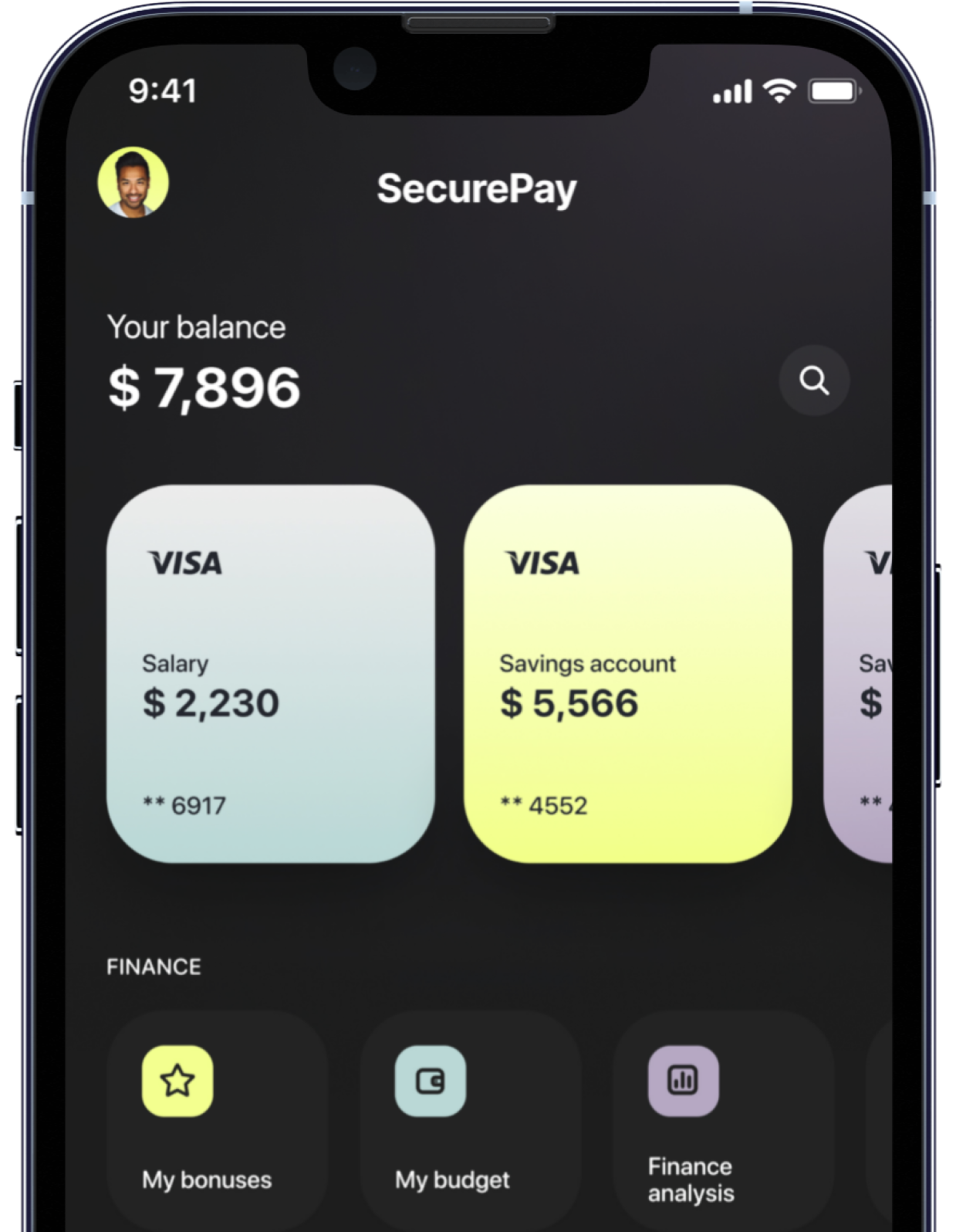
However, with the advent of the internet, and especially over the past decade, the landscape of accounting software has undergone a dramatic transformation. The introduction of cloud accounting software like Xero and QuickBooks has significantly amplified its benefits. Now, financial data is not only more accessible but also more secure, stored on remote servers and available in real-time from any internet-connected device, including smart-phones.
This shift from desktop-based software to cloud-based platforms has made collaboration easier, streamlined data backups, and provided unparalleled scalability and flexibility for businesses of all sizes.
Fast forward to today, and cloud accounting software encompasses a range of functionalities:
MANAGE FINANCIAL TRANSACTIONS:
Instead of manually recording entries in a ledger, the software streamlines the process of recording and categorising various financial transactions, ensuring accuracy and organisation.
TRACK INCOME AND EXPENSES:
It replaces the traditional cash book by keeping a detailed and real-time record of all income streams and expenses. This feature is instrumental in identifying financial trends and aiding in informed budgeting decisions.
GENERATE FINANCIAL STATEMENTS:
Gone are the days of compiling reports from multiple books; now, users can produce key financial documents such as profit and loss statements, balance sheets, and cash flow statements with just a few clicks. These documents are essential for assessing business performance and necessary during audits or financial assessments.
FACILITATE COMPLIANCE WITH TAX REQUIREMENTS AND REGULATIONS:
The software simplifies tax filing by maintaining up-to-date records. It often includes features tailored to specific tax regulations, reducing the likelihood of errors and ensuring compliance.
Comprehensive accounting software goes even beyond these core functions, offering advanced features like inventory management, payroll processing, budgets and integration with other business tools like CRM systems or e-commerce platforms.
By replacing manual record-keeping with automation and centralisation, accounting software enables more precise and efficient financial management.
Benefits of Using Cloud Accounting Software
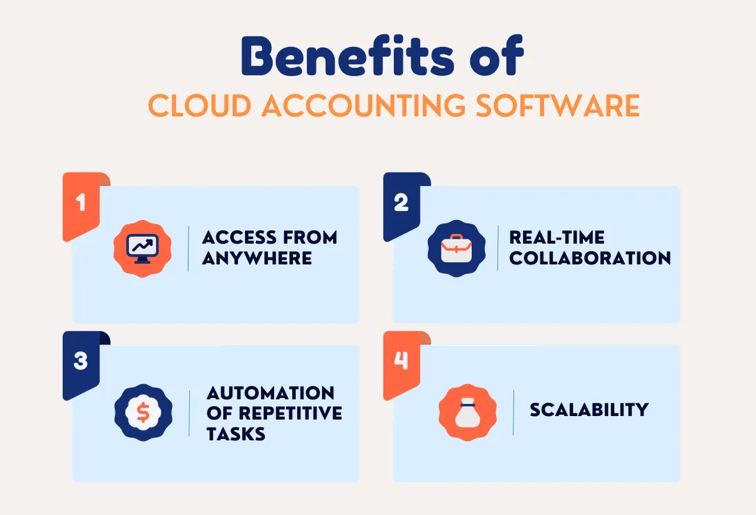
Accounting software with cloud integrations signifies that data is stored on remote and secure servers. This feature, prevalent in modern accounting programs, offers several benefits for users, especially those managing side hustles.
ACCESS FROM ANYWHERE:
With cloud-based accounting software, you only need an internet connection to access your financial information. Unlike traditional software that is tied to a specific device, cloud solutions provide flexibility, allowing you to manage finances while travelling or away from your primary workstation.
REAL-TIME COLLABORATION:
For those with business partners or accountants, cloud-based accounting software simplifies collaboration. It allows multiple users to add or modify data simultaneously, eliminating delays associated with email communication and physical document sharing.
AUTOMATION OF REPETITIVE TASKS:
Efficient time management is crucial for side hustlers. Cloud accounting software streamlines processes by automating repetitive tasks such as expense tracking and invoicing, freeing up valuable time for other aspects of your business.
SCALABILITY:
Most accounting software now operates on a subscription model, offering flexible plans that cater to different stages of business growth. Gone are the days when you had to shell out several hundred pounds at PC-World for a CD-ROM to obtain an annual software license. Now, beginners can easily start with basic plans, and as your business and financial management needs grow, you can upgrade to premium offerings that provide more advanced features.
Xero vs QuickBooks: Which Accounting Software Is Best for You in the UK?
In the UK, two of the most popular cloud accounting software options are Xero and QuickBooks. Below we offer a detailed comparison to assist you in choosing the best fit for your business needs.
XERO: USER-FRIENDLY AND COST-EFFECTIVE
- Pricing: Plans range from £15 to £55 per month, offering flexibility for various business sizes.
- Features: Known for its intuitive and clean interface, Xero excels in receipt organisation, invoicing, and mileage tracking. In our opinion, it has the best bank reconciliation function. It's ideal for small businesses seeking straightforward, efficient financial management.
QUICKBOOKS: COMPREHENSIVE AND FEATURE-RICH
- Pricing: Starts at £5 per month (initially), scaling up to £90 per month for more advanced needs.
- Features: QuickBooks offers a wide range of features, including robust inventory management. Its higher-tier plans cater to businesses needing in-depth financial analysis and reporting.
Both platforms provide diverse plans to cater to self-employed individuals and varying business scales. While Xero is praised for its simplicity and affordability, QuickBooks offers more comprehensive stock management features at a higher price point. The choice between them should be based on your specific financial management requirements and budget.
Automated Bank Imports
A standout feature (and our personal favourite) of leading accounting software like Xero and QuickBooks is their ability to automatically import data from your bank accounts. Known as 'bank reconciliation', this functionality streamlines recording various transactions – such as expenses, transfers, and income – directly into your accounting system.
Imagine the convenience: instead of spending hours manually entering bank data, automated bank imports do the work for you. This not only saves valuable time but also significantly reduces the likelihood of errors in your financial records.
For businesses juggling numerous transactions daily, this feature is a game-changer, ensuring accuracy and efficiency in financial management.
By integrating automated bank imports, these cloud accounting software options make financial tracking and reporting more manageable, allowing you to focus on other critical aspects of your business.
Receipt Management: From Shoeboxes to Smartphones
Gone are the days of shoeboxes and carrier bags brimming with receipts and invoices. Today, managing these documents has become incredibly straightforward with modern accounting tools. Simply take out your smartphone and snap a photo of your receipt. This image is then stored in the cloud with your chosen software like Dext, Hubdoc, or QuickBooks' Receipt Snap.
These applications not only simplify capturing and storing vital financial documents but also bring efficiency and order to your accounting process. Leveraging Optical Character Recognition (OCR) technology, they automate data extraction, ensuring accuracy. Moreover, platforms like Xero and QuickBooks can recognise details like the date on the receipt and automatically match it to the corresponding bank payment. This smart matching saves significant time, transforming tax preparation into a quicker and more convenient process, a significant leap forward from the cluttered and time-consuming task of manual record-keeping.
🔒 Get more with TaxStore.
As a TaxStore client, you get access to:
✔
A dedicated team of chartered accountants to support you
✔ Step-by-step guides and checklists
✔
Tools and calculators
✔
Secure document sharing and approvals
All in one place. Online and in-store.
Disclaimer: This blog is for general purpose guidance, and no liability is accepted by TaxStore for action taken or not taken in reliance upon the contents of this blog. Where appropriate, professional advice should be obtained.